
Design & predict equipment, processes, and devices with a single click.
From the reactor chamber to thin-film processes, device characteristics and 3D stacking — AI blends learning from real-world big data, multi-physics · chemical reaction analysis and your own tool data to show the results in 3D, right down to suggesting your next experimental recipe.
Three tools, one tab away
See what each menu does below — click to jump right in.

No prompts — just capture & paste
Just capture (drag a region) or paste the text/figure you want — no prompt needed, and a pro-grade image is created.
Capture or paste
Capture the text/figure you want (drag a region), or paste it with Ctrl+V.
Tap a few options (optional)
Just tap buttons for realism, size, text and more. You can skip this.
Generate → Done
One click creates a pro-grade image and saves it automatically.
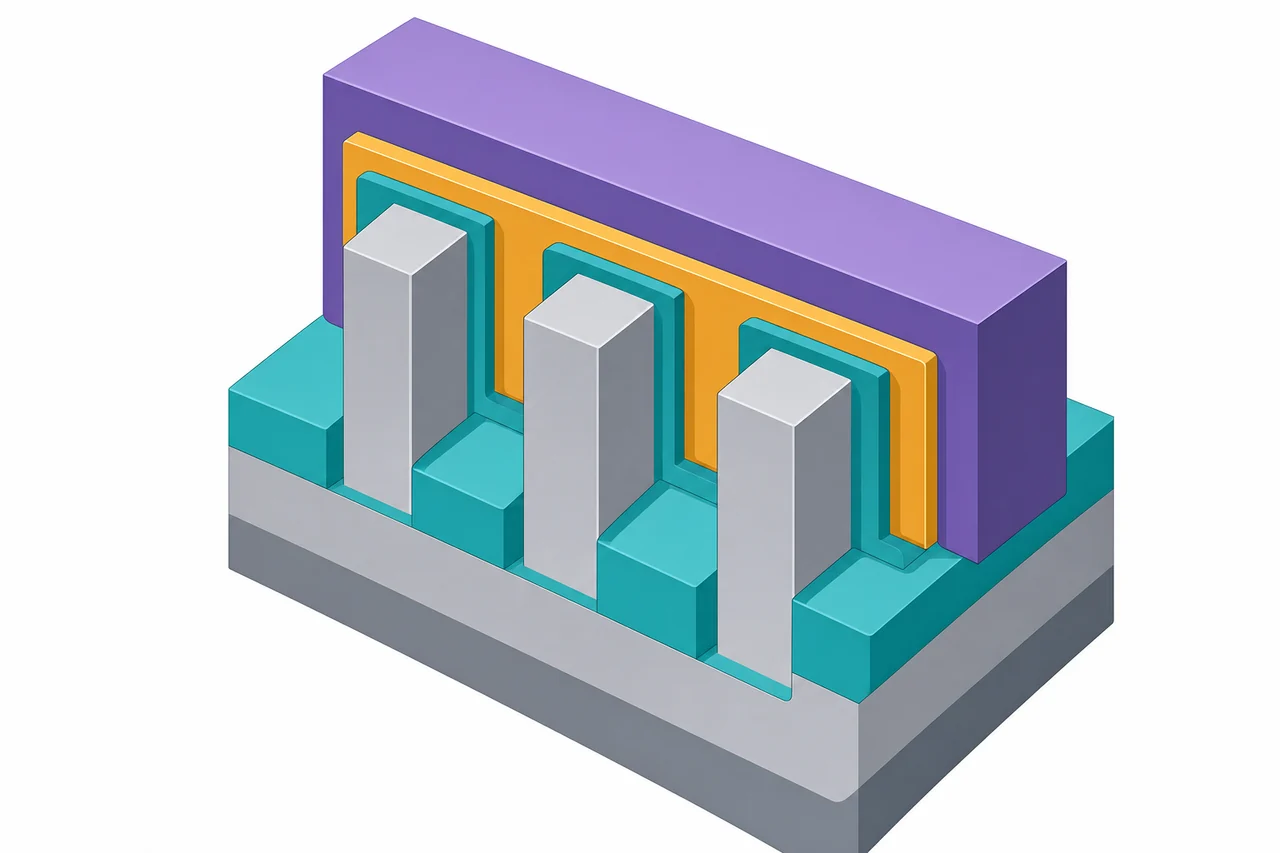
A rough captured or pasted sketch becomes a pro-grade image like this
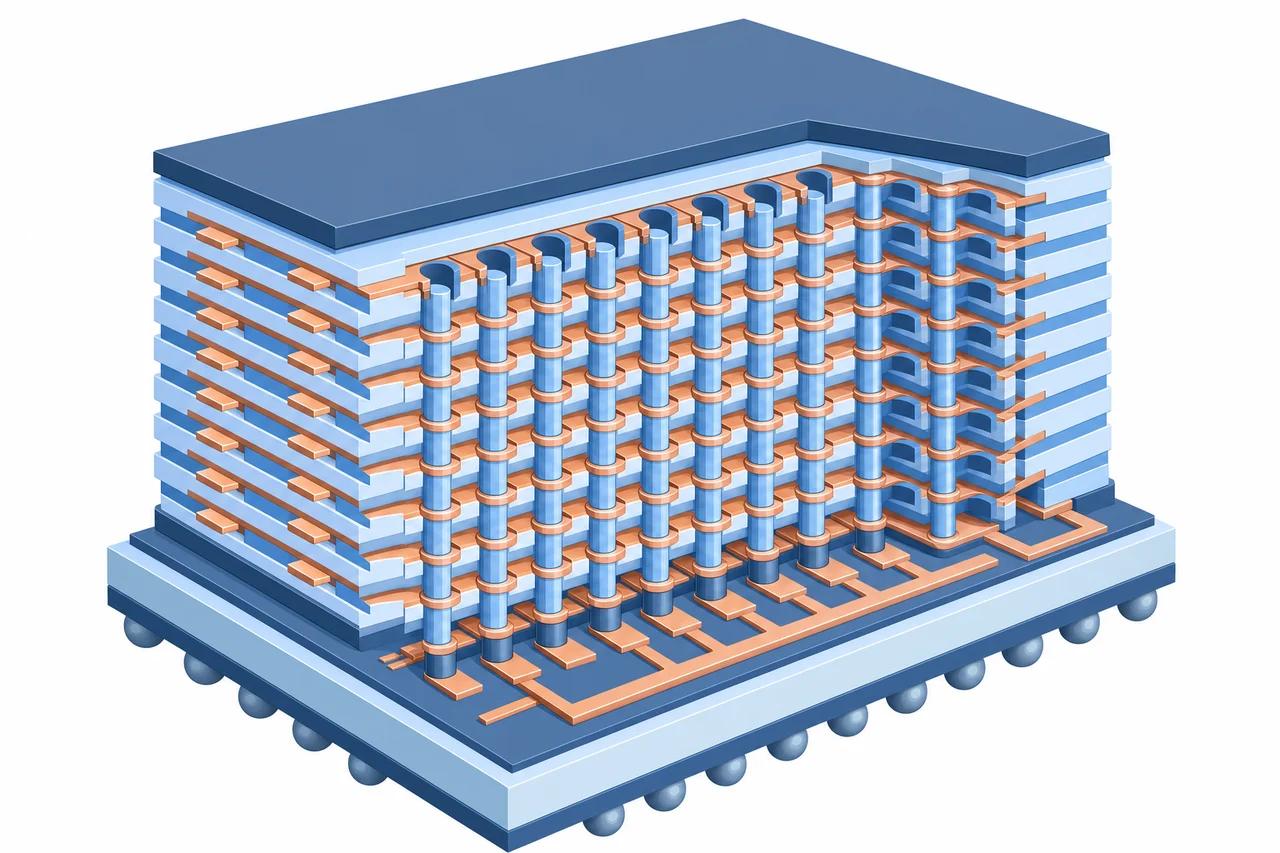
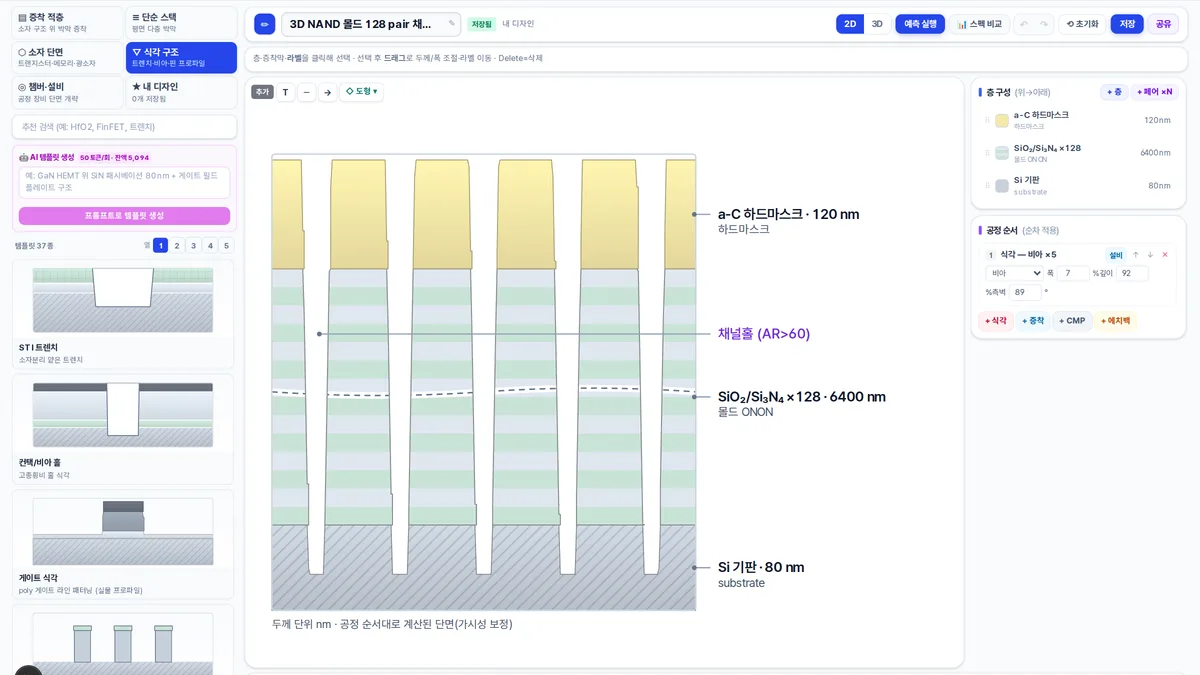 Actual screen
Design Studio
Click & drag editing
Design process cross-sections, devices, and chambers with your mouse. From 178 templates and AI template generation to editable PPTX export — handle it like PowerPoint.
- Start instantly with 178 templates + a mouse-only builder
- Edit shapes, dimensions & annotations; 3D extrusion, rotation & fill ratio
- Export directly to editable PPTX · PNG
Predict equipment, process, device & defects in 3D
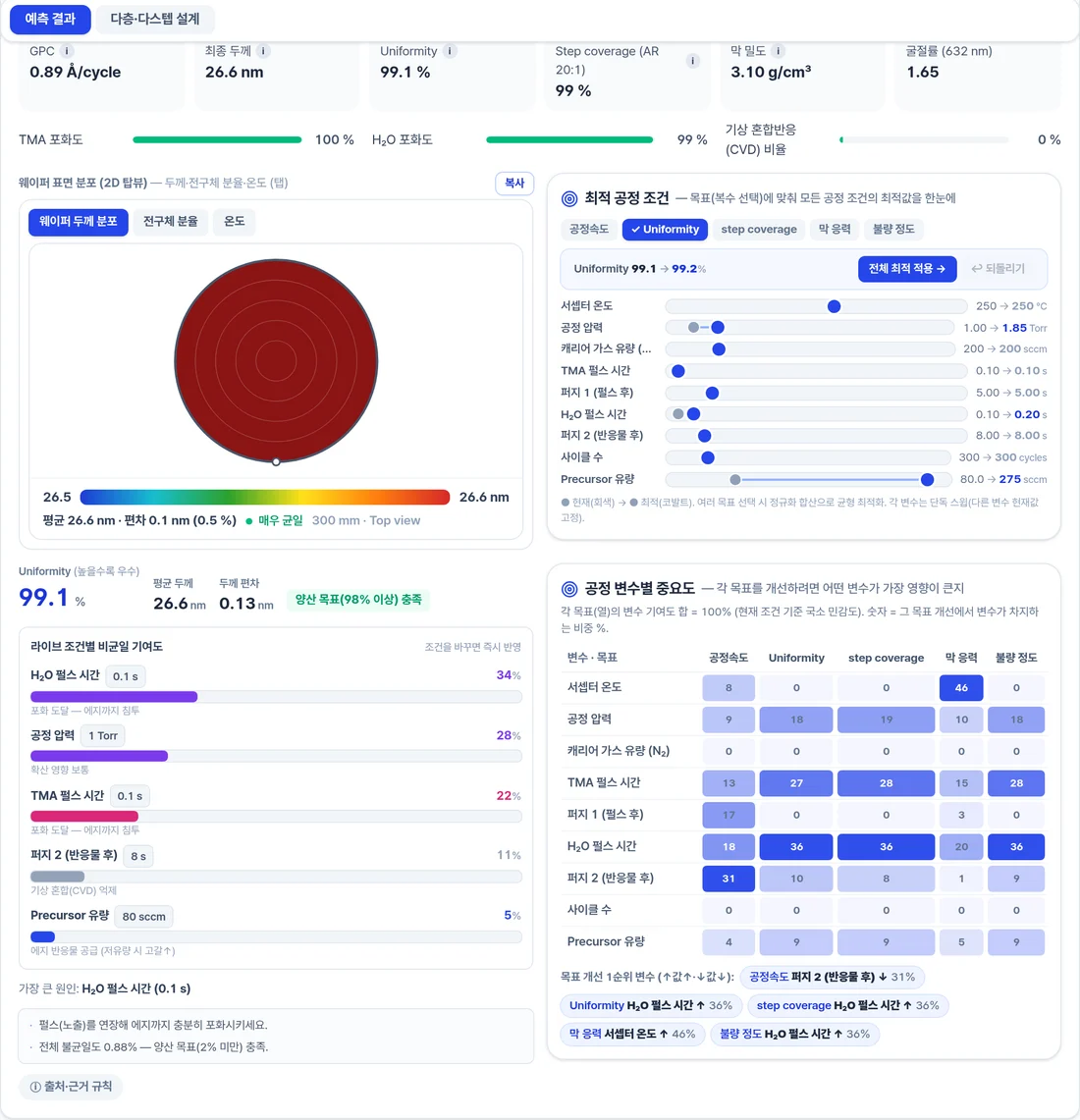
Pick your conditions and AI blends learning from real-world big data, multi-physics · chemical reaction analysis and your own tool data to show the results in 3D, right down to suggesting your next experimental recipe.
1Choose a process, material & conditions
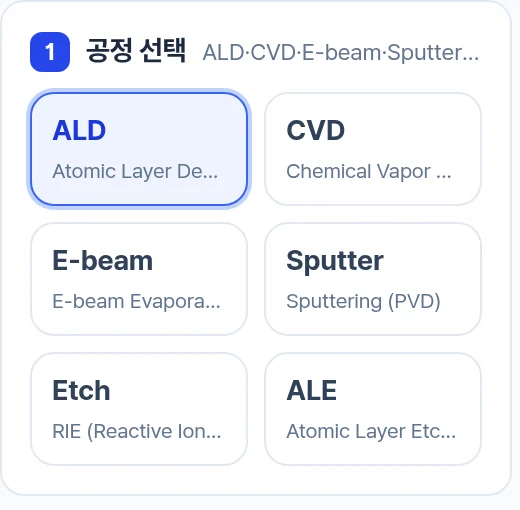 Actual screen
ALD·CVD·etch… select by click. No expertise required.
2AI fuses multiple lines of evidence
Multi-physics · chemical reaction
flow · reaction · surface kinetics · atomistic
My equipment data
Upload → calibration learning
Independent lines of evidence converge into a single prediction
3Results shown visually
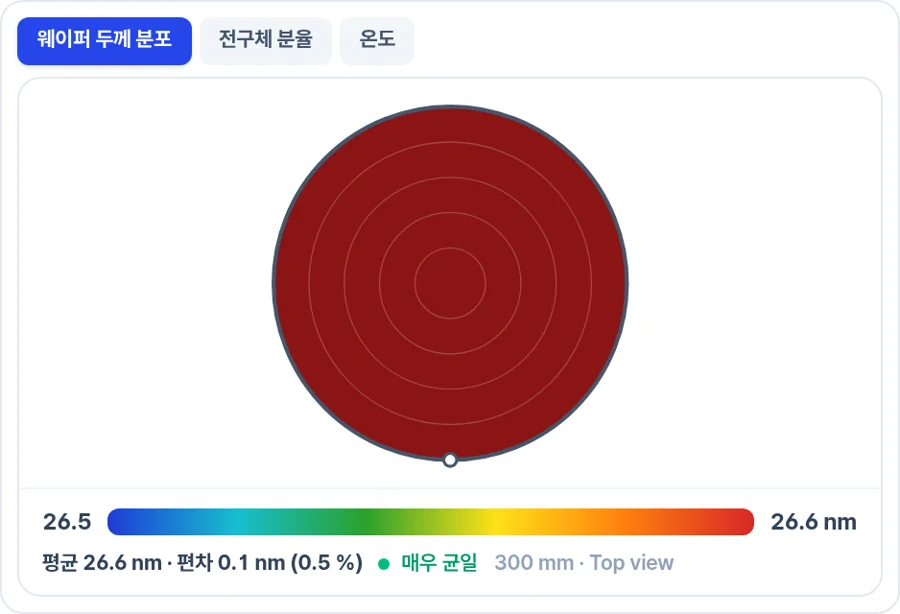 Actual screen
Thickness, uniformity, 3D structure, defect risk — plus your next experiment recipe, instantly
From equipment to your own data — six focused tools
Design · Predict brings every tool you need into one flow — from equipment, process and device design to stack etch/deposition and calibration on your own equipment data.
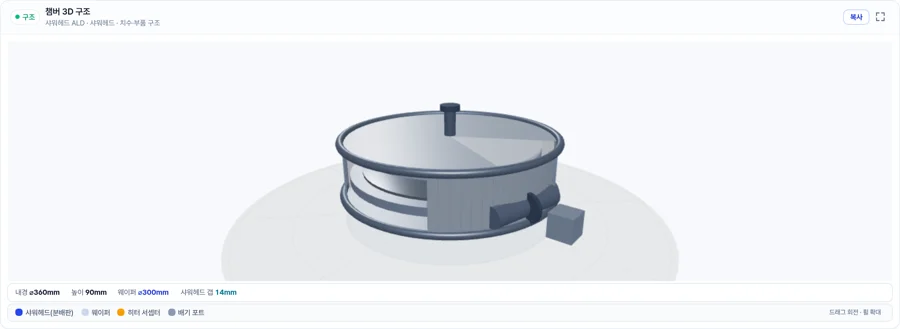 Actual screen
Equipment design
Uniformity prediction from a 3D reactor/chamber with flow and plasma
Actual screenProcess design
Predict thickness, uniformity & defects from material, gas & conditions
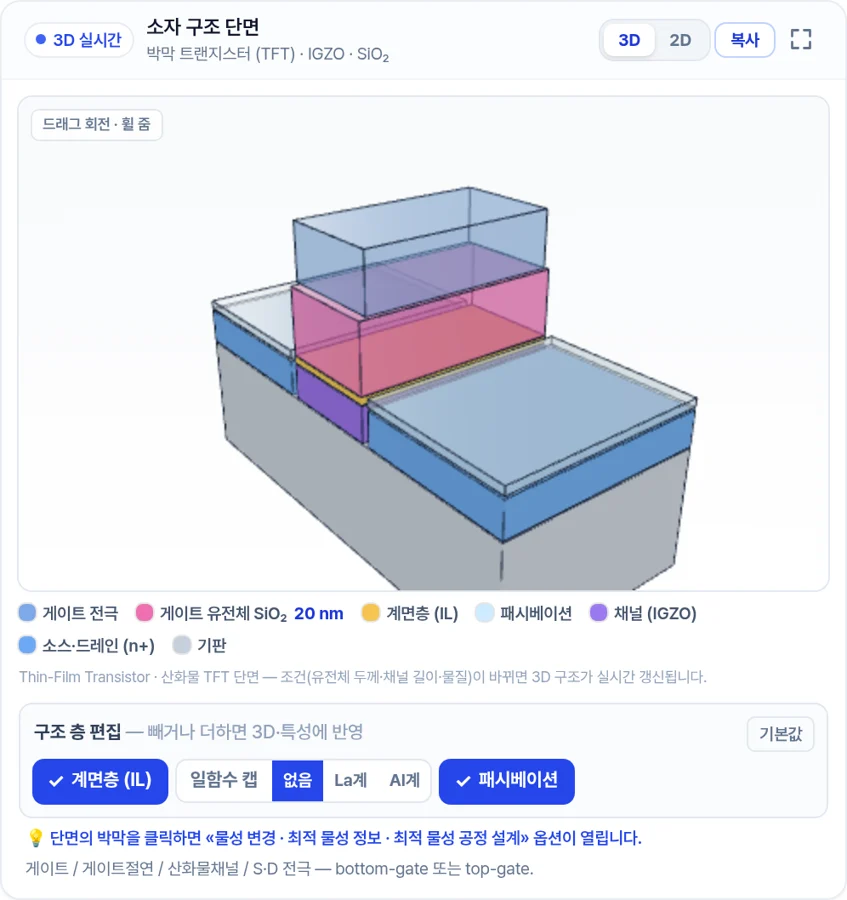 Actual screen
Device design
3D cross-section + characteristic-curve analysis · material exploration
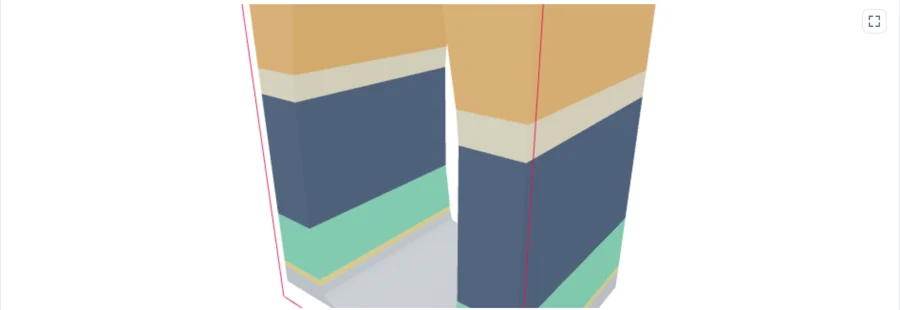 Actual screen
Stack etching
Multilayer etch profile and mask survival prediction
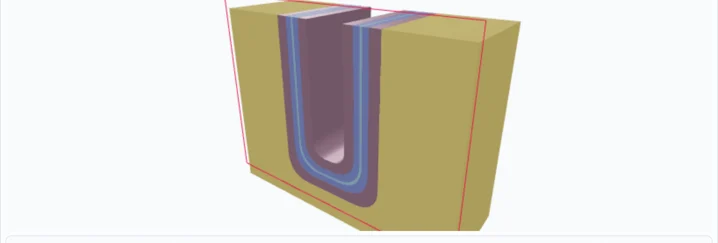 Actual screen
Stack deposition
Deposition profile, gap fill and stress balance prediction
 Actual screen
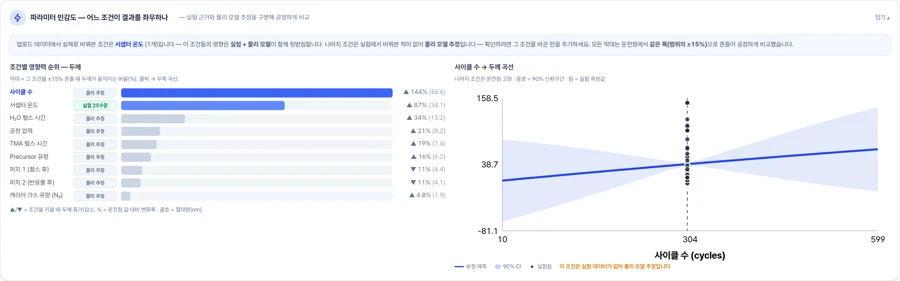
My equipment data
Calibrate with your data + recommend the next optimal recipe
From prediction to report
In any tab, use 3D visualization · AI inverse design · measured-style characterization · report export · workspace together.
 Actual screen
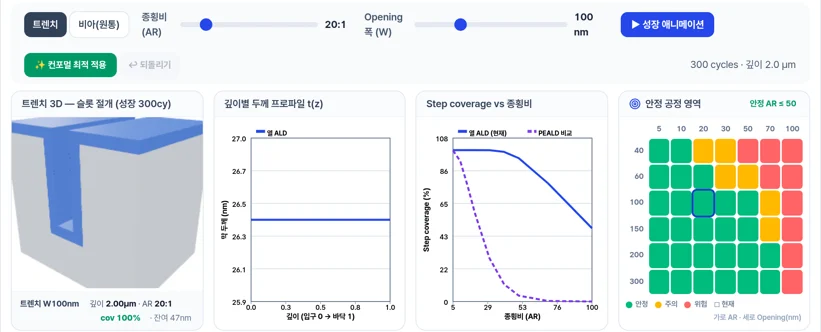
3D Process Prediction
See films building up inside trenches and vias in 3D alongside quantitative charts.
 Actual screen
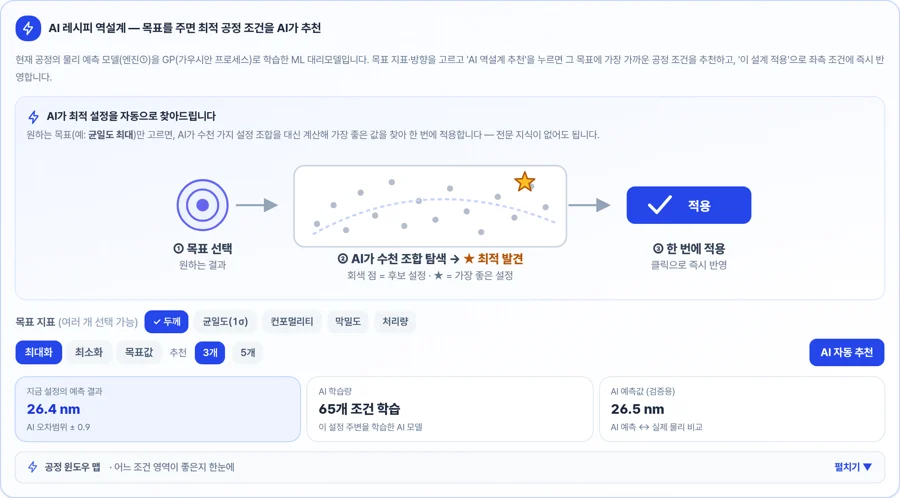
AI recipe inverse design
Just choose a target and AI explores thousands of combinations to find the optimal settings and apply them at once.
 Actual screen
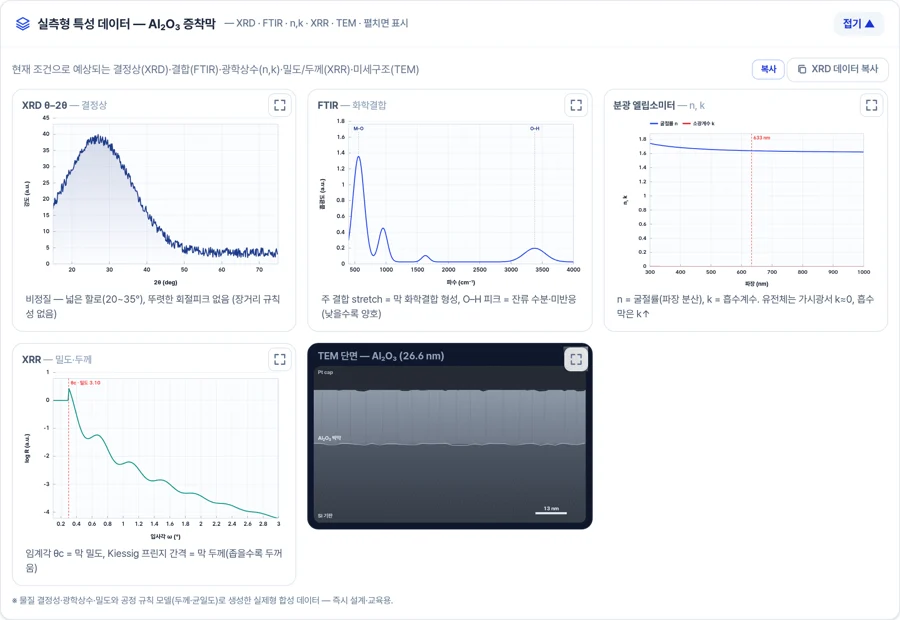
Measured-style characterization data
Preview expected XRD, FTIR, TEM and other metrology results in measured form.
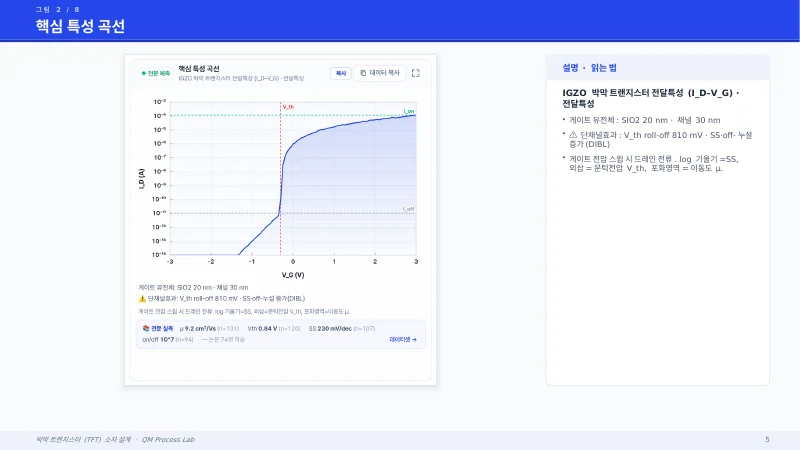 Actual screen
Automatic report export
Turn every on-screen result into figure + caption slides — PPTX, Word & Excel reports at once.
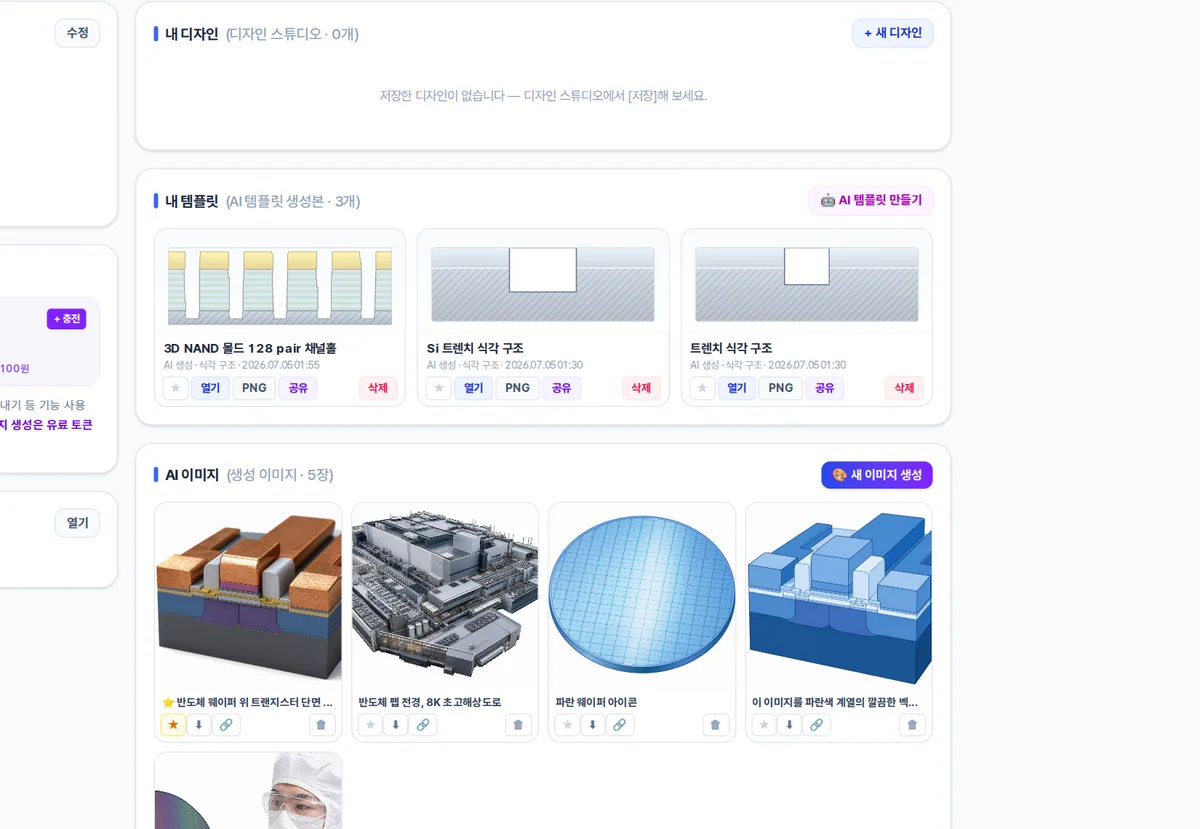 Actual screen
My workspace
Designs, AI templates, AI images & reports all in one My Page — favorite, share & export.
 Actual screen
Credit plans
Get 200 free credits on sign-up (for built-in features like prediction, export & templates). Top up as much as you need with a subscription or credit pack.