
In semiconductor and display manufacturing, two chambers loaded with the same ALD recipe can yield measurably different films. Anyone who has transferred a process between tools — or between slots on the same platform — knows the gap.
Why the same recipe lands differently
A recipe file captures setpoints. It does not capture the things that also shape the result:
- Chamber wall condition and seasoning history
- Actual susceptor temperature versus the logged setpoint
- Gas delivery path geometry and conductance differences
- Base pressure drift between maintenance cycles
- Showerhead hole-to-hole uniformity after cleaning
None of these appear in the recipe. Two tools can sit at different points in process space while their recipe files look identical.
A borrowed number carries someone else's chamber
A number copied from a published paper was produced on somebody else's tool, under conditions the paper may not state in full. Our earlier post on values without conditions covers what goes missing between the paper and your recipe. Chamber-to-chamber variation is the second half of the same problem: even a fully stated condition set was stated for a different chamber.
State your own conditions instead
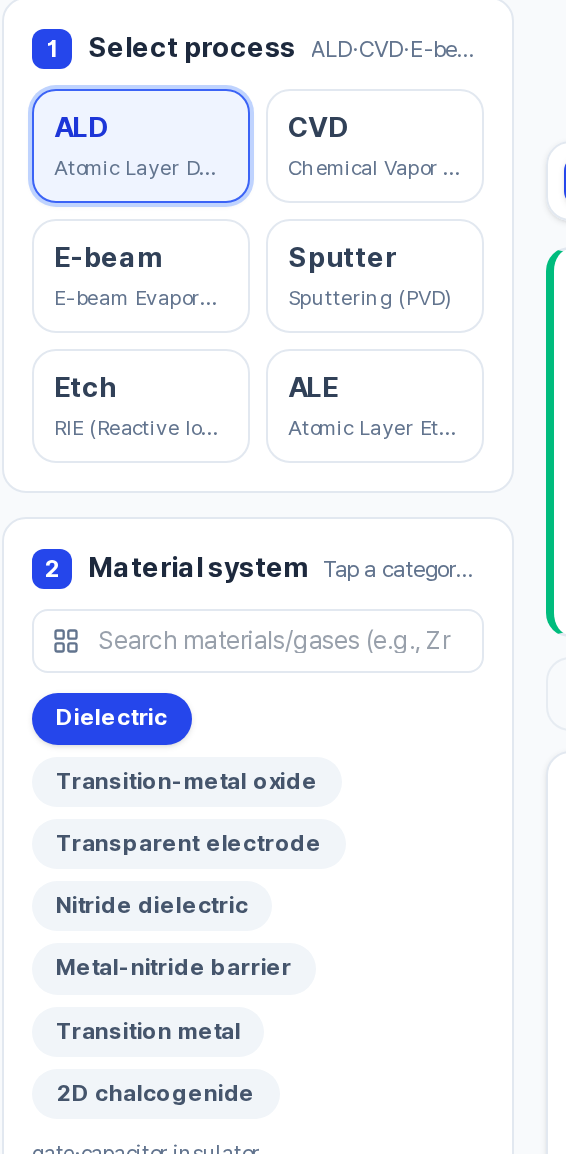
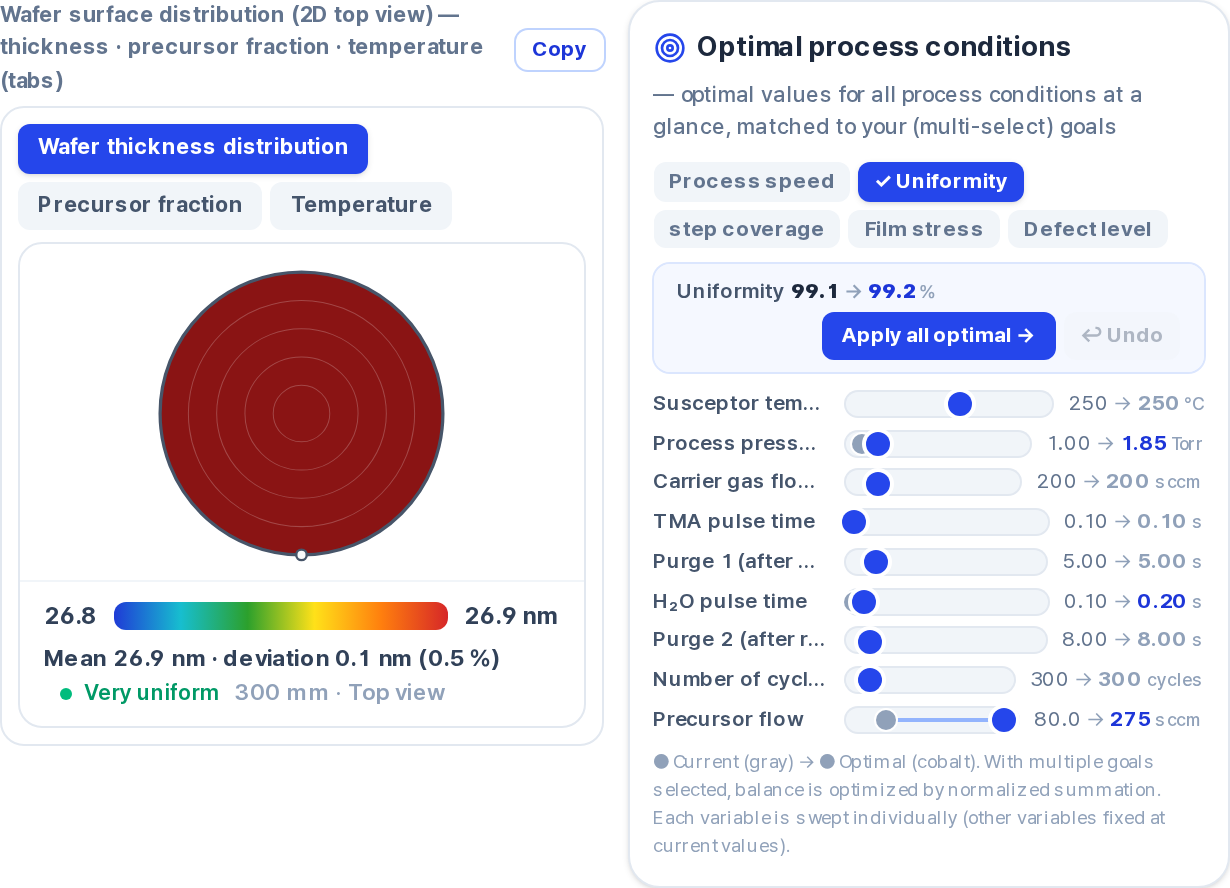
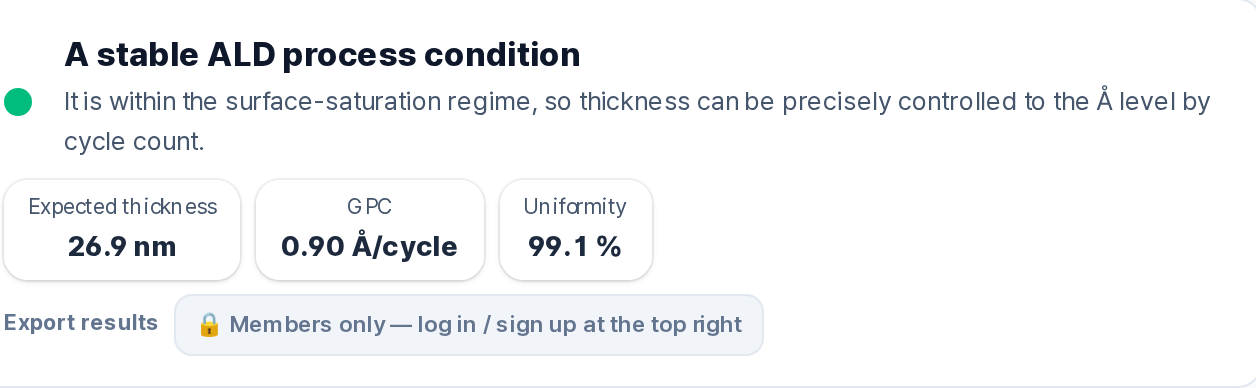
The prediction responds to the conditions you enter. That does not remove chamber-to-chamber variation, but it moves the starting point from someone else's tool to the conditions you actually run.
Feeding your own runs back in
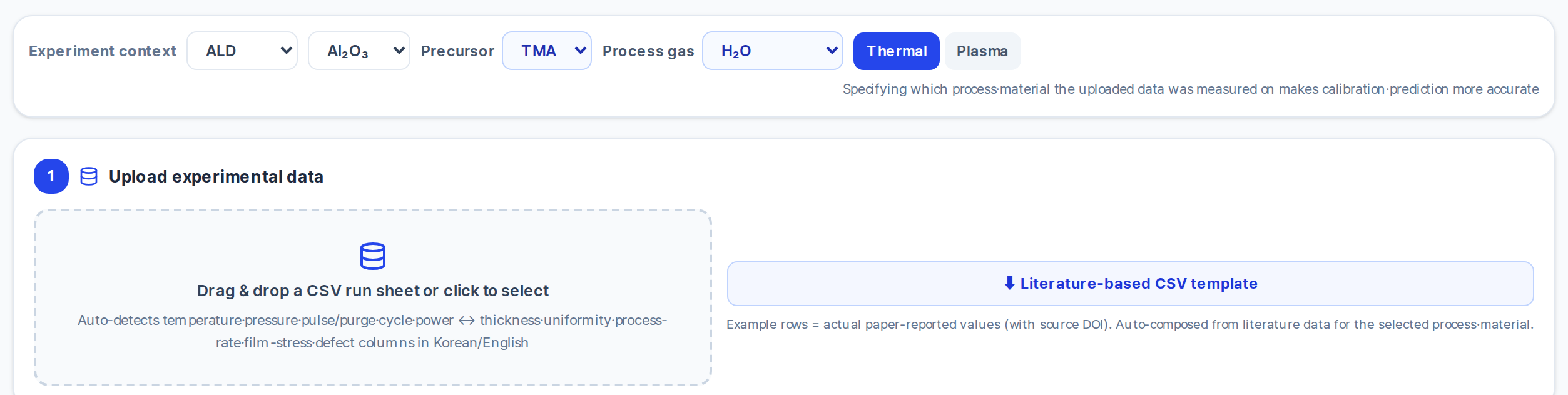
Semi Process Lab has a screen called My equipment data.
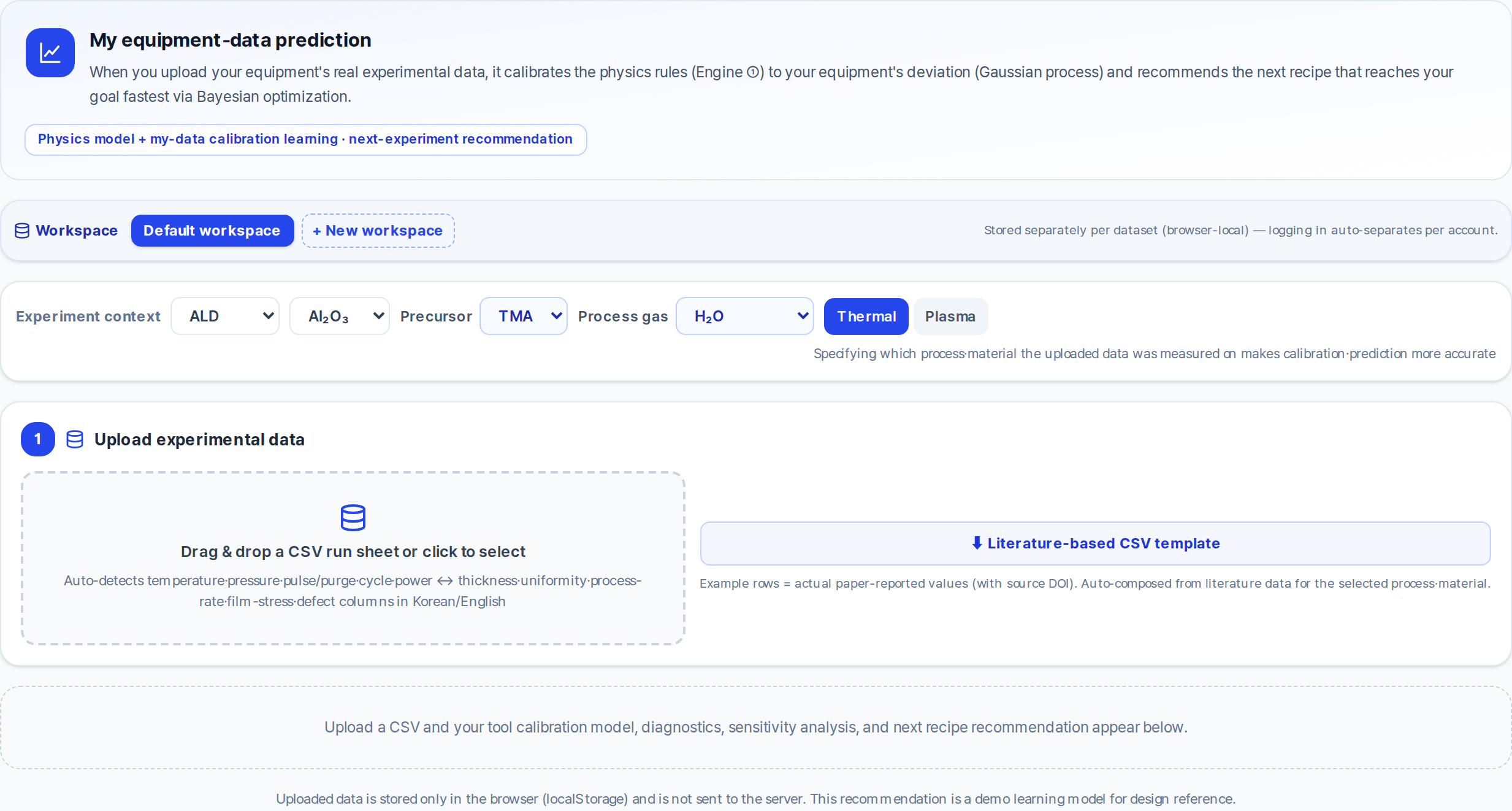
The screen describes it this way: "When you upload your equipment's real experimental data, it calibrates the physics rules to your equipment's deviation (Gaussian process) and recommends the next recipe that reaches your goal fastest via Bayesian optimization."
Worth being precise about what that means. What gets learned is the difference between the physics prediction and your uploaded measurements. That residual is not a clean chamber fingerprint — it bundles model error, conditions the model does not account for, and measurement scatter into one correction, and the tool does not separate them for you. The same screen states that the recommendation is a demo learning model for design reference, that uploaded data stays in your browser and is not sent to a server, and — in the page footer — that these predictions do not replace actual experiments or verification.
FAQ
Does this replace qualification runs on my chamber? No. The screen itself states that the predictions are for process-design reference only and do not replace actual experiments or verification.
What does the model learn from my run sheet? The residual between its physics prediction and your measured values. That residual contains chamber-specific effects, but also model error and measurement scatter. It is not reported as separate parts.
Is my uploaded data sent to a server? No. The screen states that uploaded data is stored only in the browser and is not sent to the server.
Why is chamber-to-chamber variation worse for numbers taken from papers? Because two unknowns stack. The paper may not state the full condition set, and whatever it does state was measured on a different chamber. Stating your own conditions removes the first unknown; only running your own tool addresses the second.